






TL;DR
- Maverick spend in NetSuite occurs when employees bypass procurement workflows and make off-system purchases.
- Complex and time-consuming NetSuite procurement processes often push users toward corporate cards and direct buying.
- Maverick spend in NetSuite leads to higher costs, vendor fragmentation, budget overruns, and audit risk.
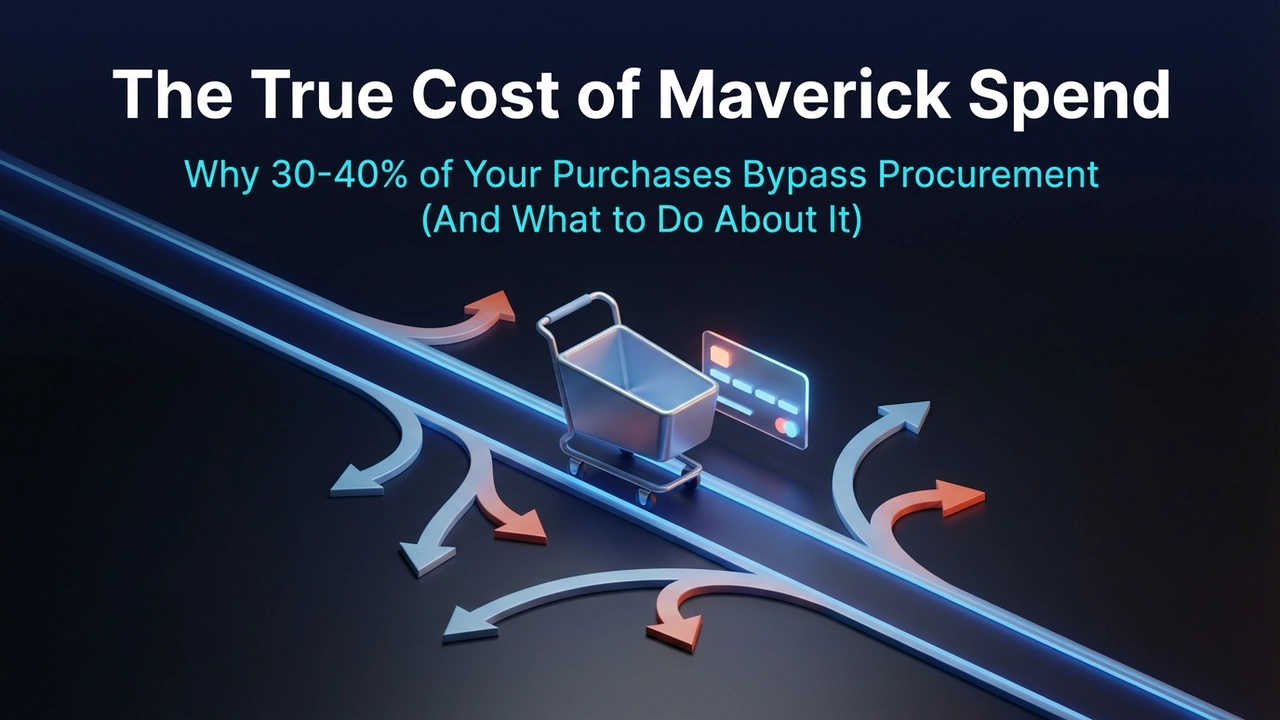
- Most NetSuite companies underestimate maverick spend, with 30–40% of indirect spend often happening outside procurement.
- The wrong fixes, stricter policies and more approvals, only increase bypass behavior.
- The right solution is guided buying, smarter approval workflows, and procurement tools that integrate with NetSuite while improving user experience.
Here’s a conversation I had last month with a Director of Finance at a $240M manufacturing company:
“We ran an audit and found $180K in software purchases last quarter that never touched NetSuite. Marketing bought a CRM. Sales bought enablement tools. IT bought security software. Nobody did anything wrong—they just… bypassed procurement.”
Welcome to maverick spend: the silent killer of procurement ROI.
What is Maverick Spend?
- The textbook definition: Purchases made outside established procurement processes and without leveraging negotiated contracts.
- The real-world definition: When your department heads find it easier to pull out a corporate card than submit a purchase request in NetSuite.
And here’s the thing, they’re not trying to break the rules. Your procurement process is just painful enough that going around it seems like the path of least resistance.
Why Maverick Spend Happens in NetSuite Companies
NetSuite is a powerful ERP, but its procurement workflow was designed for financial control, not user experience.
Here’s what that looks like in practice:
The Death by a Thousand Clicks Problem
To create a simple purchase request in NetSuite, a typical user has to:
- Log into NetSuite (if they even have access)
- Navigate to Transactions > Purchases > Purchase Requisition
- Fill out 15+ fields (many required but not intuitive)
- Search for the vendor (if it exists) or request a new vendor setup
- Add line items with specific GL codes
- Attach supporting documentation
- Submit for approval (then wait for email notifications)
- Chase down approvers who “didn’t see the notification”
- Wait 3-7 days for a PO to be created
- Finally place the order (probably late now)
-
- Total time: 45-90 minutes for a $5K purchase.
- Amazon checkout time: 47 seconds.
- Guess which one your department heads choose?
The Real Cost of Maverick Spend
Let’s break down what maverick spend actually costs you:
1. Premium Pricing (15-25% More)
Without centralized buying power, each department negotiates independently—or doesn’t negotiate at all.
Example:
- With contract: Enterprise SaaS license at $12K/year (negotiated rate)
- Without contract: Same software at $18K/year (list price)
- Cost per instance: $6K
- If this happens 30 times per year: $180K in overpayment
2. Vendor Fragmentation
Without visibility, you end up with multiple vendors for the same service.
- Real example from a client:
- 3 different HR software vendors across departments
- 4 different marketing automation tools
- 7 different cloud storage providers
Each with separate contracts, separate payment terms, and zero volume discount leverage.
3. Compliance and Audit Risk
When purchases bypass procurement, you lose:
- Approval trails
- Contract compliance verification
- Regulatory documentation
- Spend visibility for audits
One client faced a $120K audit penalty because they couldn’t produce documentation for software licenses purchased outside their system.
4. Budget Chaos
CFOs HATE maverick spending because it makes budgets fiction.
- Your budget says: $500K in marketing spend
- Reality: $680K (with $180K off-books)
Now your variance reports are meaningless, and you’re scrambling to explain overages in board meetings.
Download eBook: The Maverick Spend Amnesty Program
5. Opportunity Cost
Every dollar spent on maverick purchases is a dollar NOT captured in your spend analytics.
You can’t:
- Identify consolidation opportunities
- Negotiate volume discounts
- Track supplier performance
- Make data-driven sourcing decisions
How to Measure Your Maverick Spend
Most companies don’t know how bad their maverick spend is. Here’s how to find out:
Step 1: Run a Corporate Card Analysis
Pull 6 months of corporate card transactions and categorize them:
- What percentage should have gone through procurement?
- How many are duplicate vendors?
- How many bypass negotiated contracts?
Step 2: Survey Department Heads
Ask them directly:
- “What have you purchased in the last 90 days outside NetSuite?”
- “Why did you go around the system?”
- “What would make procurement easier?”
You’ll be shocked by the honesty (and the volume).
Step 3: Audit Vendor Payments
Compare your vendor master file in NetSuite to your AP payment records:
- How many vendors received payments without POs?
- How many one-time vendors were processed through AP?
- How many “miscellaneous” vendor payments?
- Industry benchmark: 30-40% maverick spend is typical in NetSuite companies without guided buying.
If you’re under 20%, you’re doing great. If you’re over 40%, it’s time to act.
The Wrong Way to Fix Maverick Spend
Here’s what doesn’t work:
- Sending strongly worded emails about “policy compliance”
- Blocking corporate cards (they’ll just find another workaround)
- Adding more approval layers (makes the problem worse)
- Quarterly “compliance training” (nobody remembers it)
These approaches turn procurement into the business police—and that’s when stakeholders actively work AGAINST you.
The Right Way to Fix Maverick Spend
The only sustainable solution is making procurement easier than the workaround.
Here’s how:
1. Implement Guided Buying
Give users a simple intake form that routes requests automatically based on:
- Category
- Dollar threshold
- Department
- Vendor type
Result: Submit a request in 2 minutes, not 45.
2. Create Preferred Vendor Catalogs
Let users shop from pre-approved vendors with negotiated pricing—Amazon-style.
- Search for what they need
- Add to cart
- Submit for auto-approval (if under threshold)
Result: Pre-negotiated pricing, compliant purchases, happy users.
3. Use Smart Approval Workflows
Not every $500 purchase needs CFO approval. Automate approvals based on:
- Requester’s department and level
- Purchase category and amount
- Vendor status (preferred vs. new)
- Budget availability
Result: Fast approvals for routine purchases, appropriate oversight for strategic ones.
4. Make It Mobile-Friendly
Your department heads aren’t sitting at desks waiting to submit NetSuite forms. They’re in meetings, traveling, and working from coffee shops.
Result: Submit and approve requests from anywhere, in under 60 seconds.
5. Integrate with Procurement Tools
If NetSuite isn’t user-friendly enough for guided buying, integrate with a platform that is, one that syncs back to NetSuite for financial control.
Result: Best of both worlds, easy UX for users, complete data for finance.
Real-World Results: Cutting Maverick Spend by 85%
- Company: $240M manufacturing company
- Challenge: 40% maverick spend, zero contract compliance
- Solution: Implemented guided buying + preferred catalogs
Results in 6 months:
- Maverick spend dropped from 40% to 6%
- Average time-to-PO: 3 days (down from 9)
- User satisfaction: 8.9/10 (up from 3.2/10)
- Negotiated savings captured: $1.8M
- The secret? They didn’t make procurement stricter. They made it easier.
Your Action Plan
Week 1: Run the audit
- Corporate card analysis
- Vendor payment review
- Stakeholder interviews
Week 2: Calculate the cost
- Premium pricing analysis
- Vendor fragmentation count
- Compliance risk assessment
Week 3: Design the solution
- Guided buying workflows
- Approval threshold matrix
- Preferred vendor catalog structure
Week 4: Get stakeholder buy-in
- Present the cost of inaction
- Show the user experience improvement
- Prove ROI with benchmarks
Ready to Tackle Maverick Spend?
Download our 5 Signs Your NetSuite Needs a Procurement Partner guide. It includes a maverick spend calculator and a sample approval workflow design.
Or schedule a 20-minute call, and we’ll walk through your specific situation.
Related Reads:
- NetSuite Procurement Gap eBook
- Procurement Maturity Scorecard
- First 30 Days Implementation Checklist
- NetSuite + Zycus Integration Guide
- NetSuite Procurement Teams Cut Cycle Times by 75% with Zycus
- Why NetSuite Alone Isn’t Enough for Procurement (And What to Do About It)
- Enterprise vs. Purpose-Built Procurement for NetSuite